Addons
Addons are optional features that extend the HTP-1's functionality. They are distributed through repositories provided by addon developers.
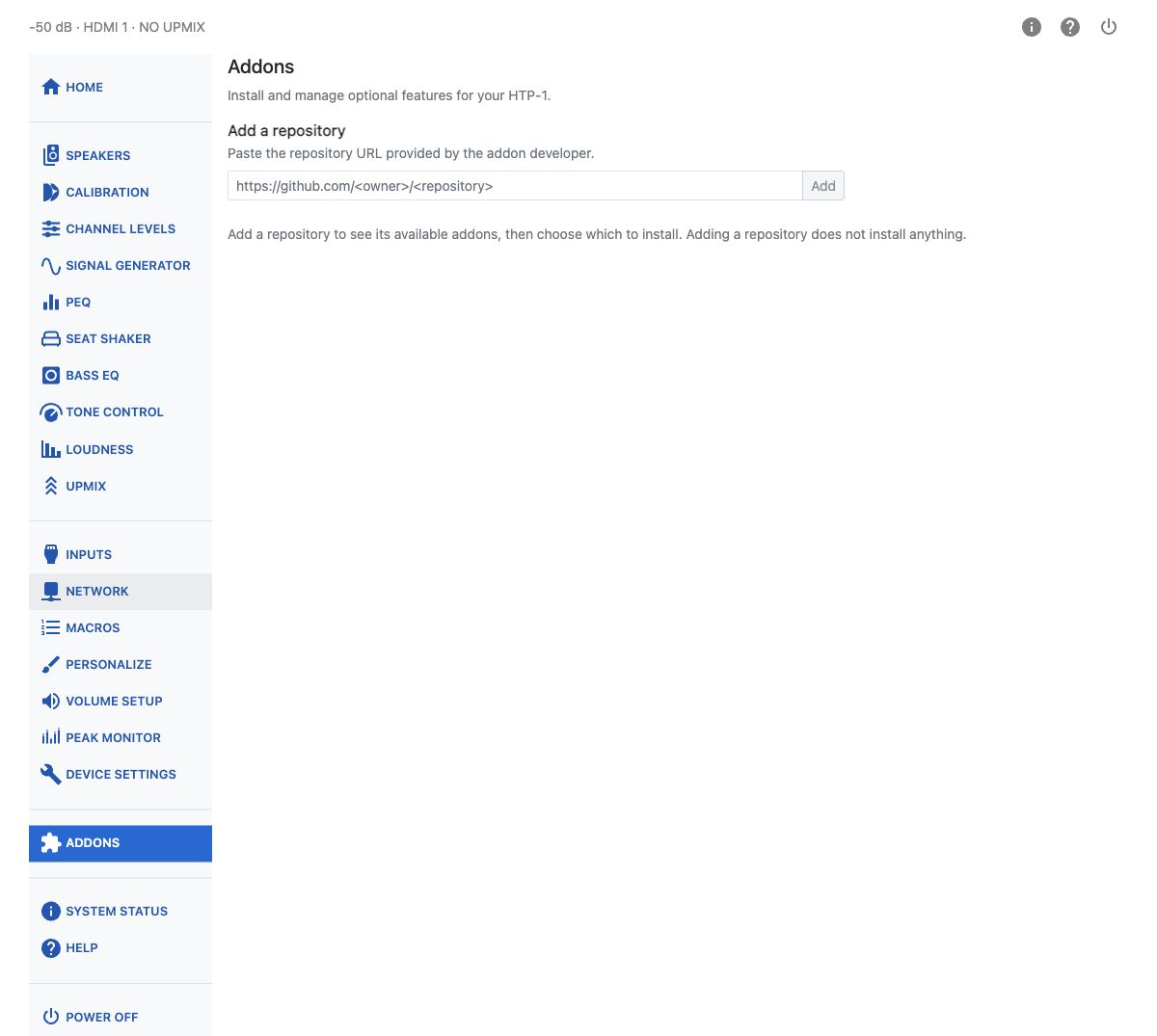
Adding a Repository
Open Addons in the settings sidebar. Paste the repository URL provided by the addon developer under Add a repository, then click Add.
Adding a repository does not install anything. The page lists the addons available from that repository, together with their descriptions and versions.
Warning
Only add repositories from developers you trust. Addons run software on your HTP-1 and may change how it works.
Installing and Managing Addons
Click Install to add an available addon. Use Update when a newer version is offered, or Remove to uninstall an addon. Some installed addons also provide a switch to enable or disable them without uninstalling.
The page indicates when an addon requires newer firmware or other addons. If another installed addon depends on it, Remove is unavailable until that dependency is removed.
Use Refresh to check a repository for available versions again. Remove beside the repository name removes that repository from the list; it is separate from uninstalling an addon.
Returning to the Built-In Web Interface
Some addons can replace the HTP-1's usual home interface. You can always open the built-in WebUI
directly at http://<your-htp1-ip>/ui/default.